

SaaS Interface
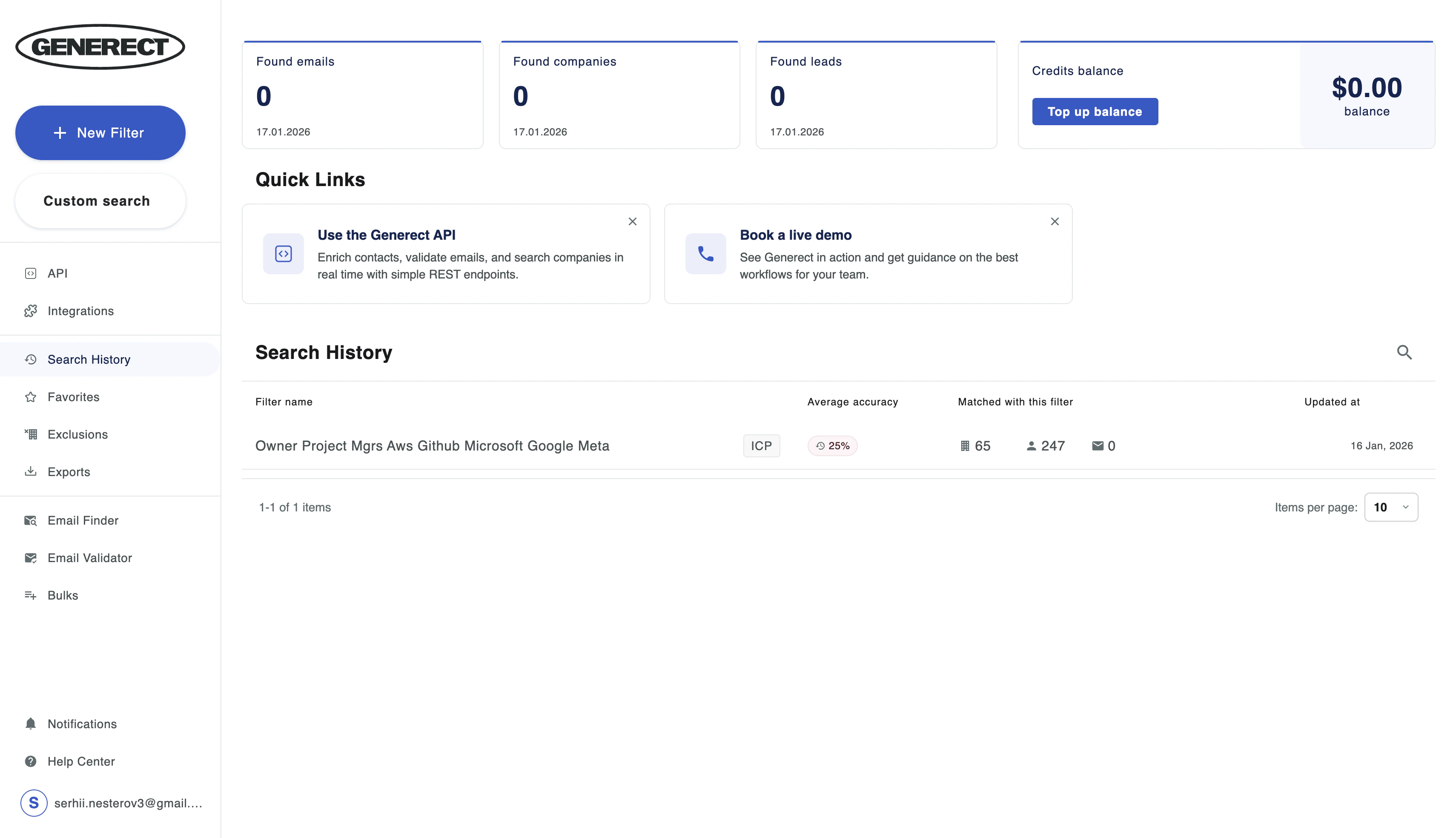
A no-code interface designed for fast, intuitive lead search. What you can do in the SaaS Interface:- Run company and contact searches using ICP-based filters
- Use visual filters and saved filter presets
- Export data to CSV/XLSX
- Integrate your results with your CRM directly from the UI
- Search: Find companies and contacts based on your ICP
- Email Finder / Validation: Generate corporate emails and check deliverability
- API Keys: Create and manage your API keys
- Integrations: Connect Generect to your CRM or other tools
- Billing: View your balance, transaction history, top up your account, and track discount tiers
SaaS Interface Screenshot
API Access
For teams looking to automate workflows or integrate Generect directly into their systems. Features available via API:- RESTful API for full automation
- Programmatic access to all platform functionality
- Webhooks for real-time updates
- MCP (Model Context Protocol) for AI-powered data processing
Key API Concept: Preview & Pay
You can search and preview results showing basic info — free in the Generect app, $0.002 per result through the API. You only pay the full price when you decide to reveal full contact details, including email or phone.- Preview: free in the app, $0.002 per result via the API (Name, Company, Title)
- Reveal: Paid (Verified Email, Phone, Full Profile, Social Links)
API Documentation
Learn how to use the API