Quick guide to use Generect MCP with local installation
Our MCP server provides integration between the Generect Live API and any Client that supports MCP (e.g., Cursor, Claude Desktop, OpenAI’s Responses API). This allows you to access Generect’s lead search, company search, email generation, and other tools directly in natural language workflows.
Local MCP (this page) — Uses npx to run the MCP server locally
The local MCP server runs on your machine via npx generect-ultimate-mcp and talks to the Generect API at https://api.generect.com. (The hosted remote MCP server lives at https://mcp.generect.com/mcp — see Remote MCP.) The configuration on different clients has some minor differences.
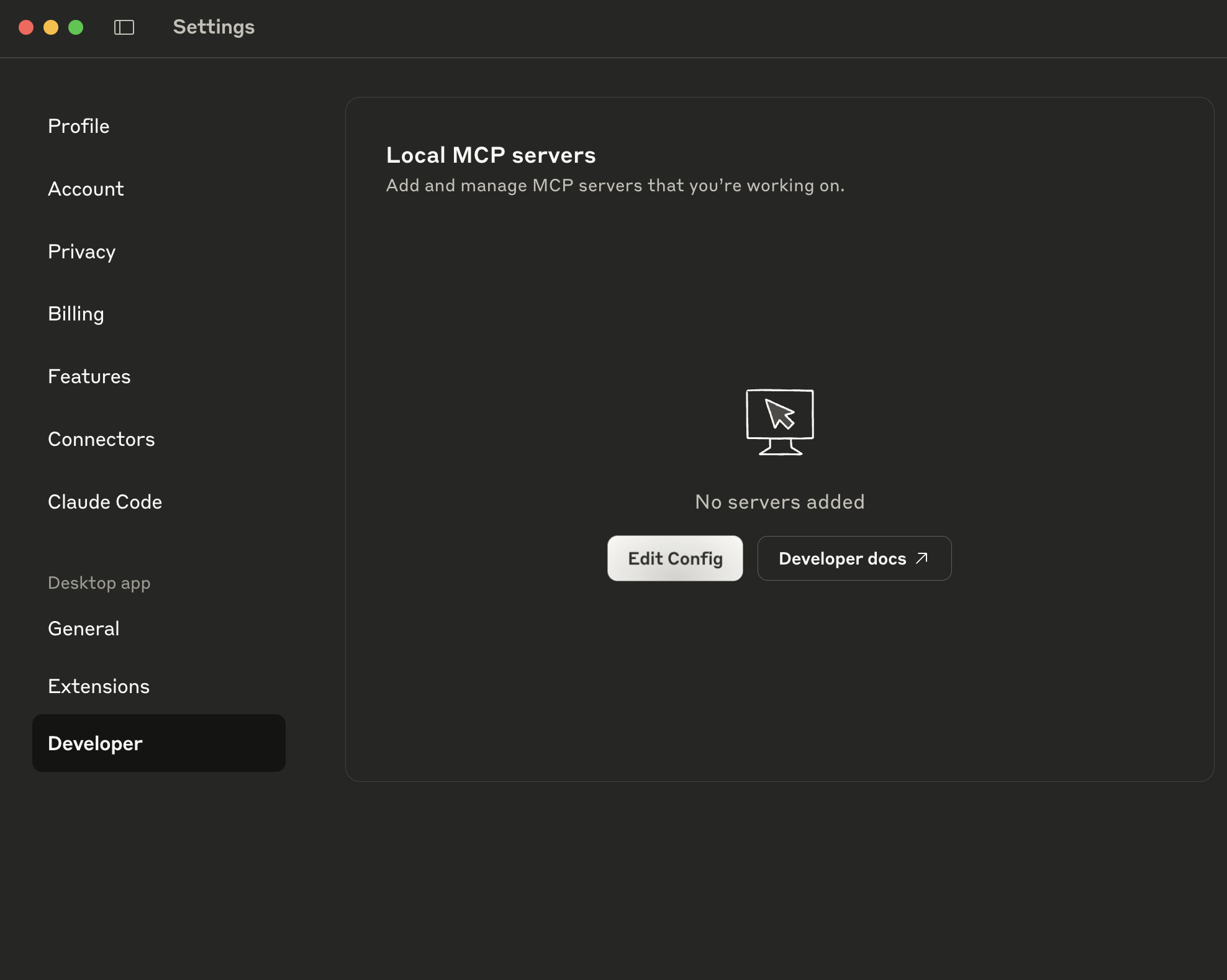
For remote MCP (no installation), see Remote MCP (Custom Connectors). This page covers local MCP via npx.Use Claude Desktop and visit Settings (click your account icon → Developer tab → Edit config).Visit Settings in the Claude Desktop app. You can find them in dropdown when click on your account icon. Then navigate to the Developer tab, click Edit config buttonThis will show your claude_desktop_config.json file:
Next, add MCP Server configuration to this file. Replace your-api-key with your actual API key. The Token prefix is optional — both your-api-key and Token your-api-key are accepted.
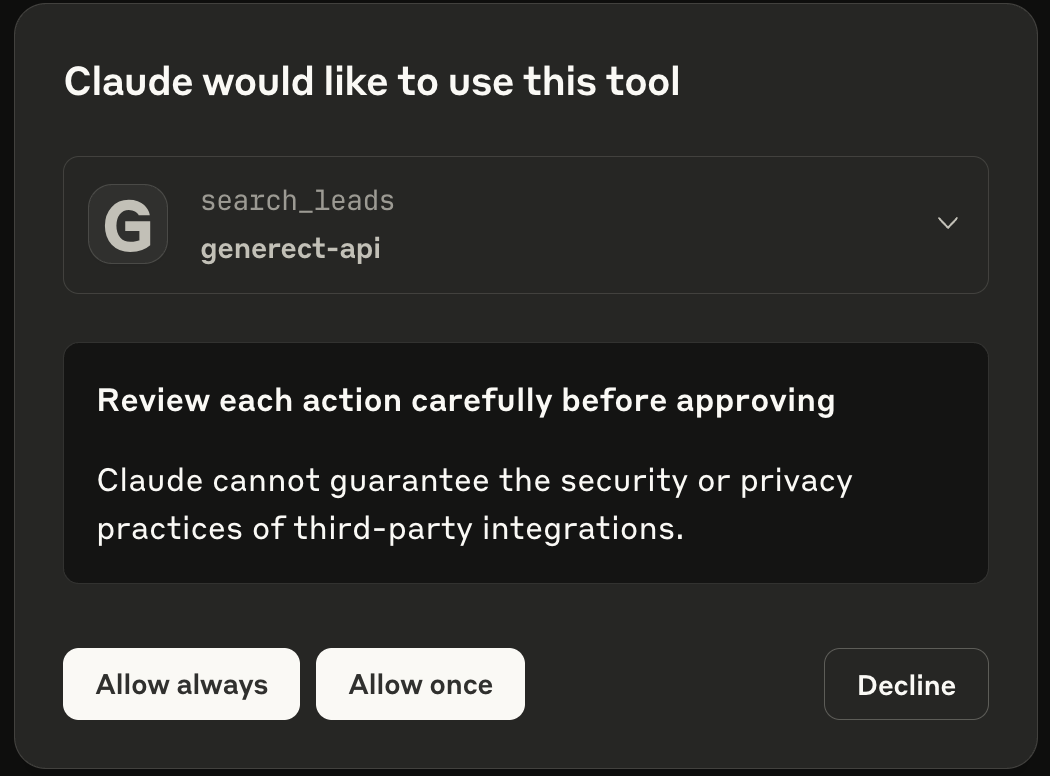
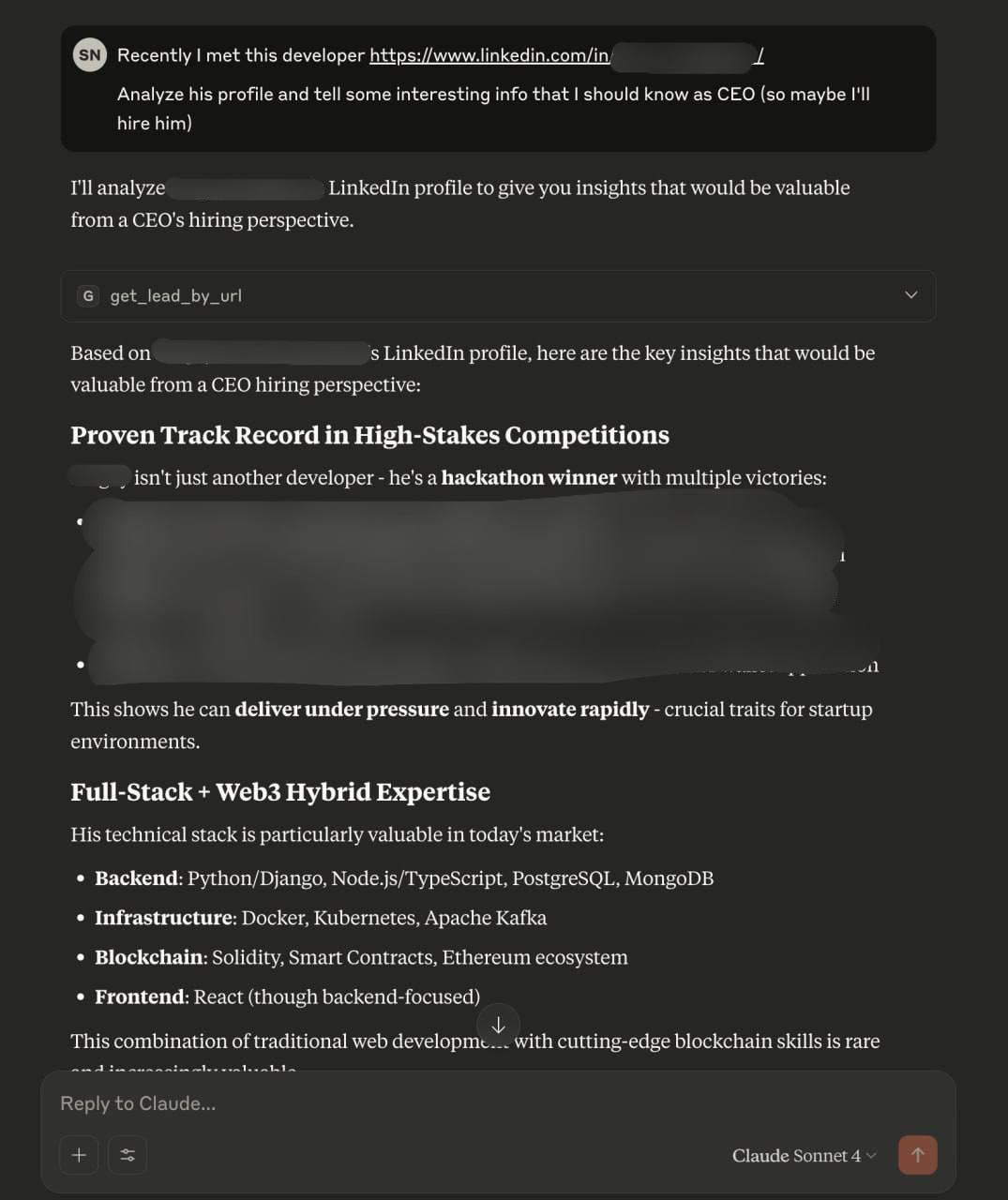
Restart Claude Desktop to apply changes. After that you will see generect-api MCP as active in Search and tools dropdown.After some message where Claude decides to (for example) search leads, you will be prompted to allow the use of external tool.Here is response of example, where Claude automaticlly analyzed LinkedIn profile (some sensitive information was hidden)



 Read Cursor Docs for more info.